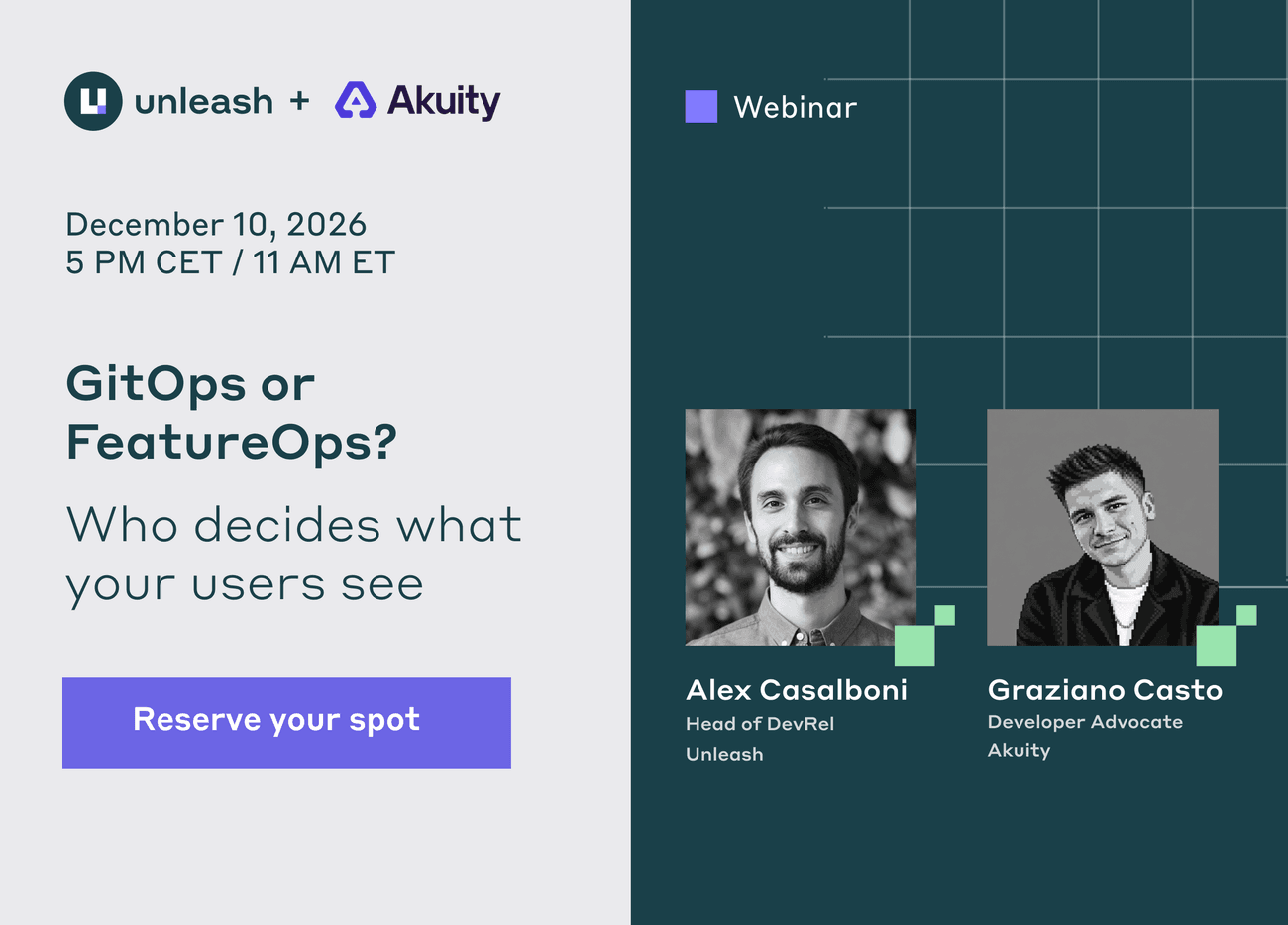
Sign up for "GitOps or FeatureOps? Who decides what your users see"
Join us to learn what happens when GitOps meets FeatureOps, how to handle gradual rollouts, and your next release planning.
Feature flags for every n8n workflow: meet the Unleash community node

Alex Casalboni
Developer Advocate
November 26, 2026
Unleash is now a verified community node in n8n. Open the canvas on n8n Cloud, search for Unleash, and you can put a feature flag in front of any workflow today.
If n8n is new to you, it’s the workflow automation platform where engineering and ops teams connect APIs, internal tools and AI agents on a visual canvas. You run the result on n8n Cloud or on your own servers. A lot of those workflows reach into production, whether that’s an email going out to every customer on a list or an AI agent with write access to your CRM.
That’s the kind of change Unleash was built to control. With the node in place, a flag decides whether a workflow runs and which path it takes. Flip it in Unleash and the next run follows, with nobody redeploying anything or opening the workflow.
And if you run Unleash Enterprise, you get a second way in. The Unleash remote MCP server connects to n8n’s built-in MCP nodes, which lets your workflows and agents change flags too.
What the Unleash node does
The Unleash node defines one resource named Flag, with two operations. Both go through Unleash’s Frontend API with a frontend token, so you can use them with both Unleash Open Source and Unleash Enterprise, just point the node at an Unleash server or at an Unleash Enterprise Edge instance.
Evaluate checks one flag for the context you pass in. You get back whether it’s enabled, plus its variant. Branch on {{ $json.enabled }} with an If node, or switch on {{ $json.variant.name }} when the flag has variants. A flag that’s off or doesn’t exist comes back as enabled: false.
Get Enabled hands back one item for every flag that’s on for the given context. Use it when you want the whole picture for one user or tenant, like for a weekly digest.
Context works the way it does in our SDKs. Set a user ID or session ID, and add custom properties when a strategy has constraints like plan = enterprise. If a flag uses a gradual rollout, that ID is what keeps the same input on the same result from one run to the next.
Built to keep running unattended
Most n8n automations run with nobody watching them. So the node’s defaults lean toward keeping the workflow alive.
The Unleash node caches results for 30 seconds by default, which matches the refresh interval of our frontend SDKs. On a standard Unleash server, checking one flag means fetching every flag for that context, so the cache spares you a round trip on most executions.
If Unleash can’t be reached, the node returns the last result it cached and logs a warning. The workflow keeps going. That’s how our own SDKs degrade too. The node only throws an error when it has nothing cached for that context yet, which can happen on the very first call.
Running Unleash Enterprise Edge? Switch Lookup Method to Single Flag and the node will ask Edge for just the flag it needs to optimize for bandwidth and performance.
Give an AI agent a flag to check
You can also attach the Unleash node straight to n8n’s AI Agent node. The agent can then look up a flag before it acts. The simplest version is a kill switch: evaluate a flag at the top of the agent’s workflow and stop if the kill switch is active.

You can go further and control which tools the agent gets. In n8n, any tool attached to an AI Agent node is always available to the model, and there’s no built-in way to hide one based on a condition. So evaluate the flag first and let an If node pick between two AI Agent nodes. One holds the tools you’re happy for the model to have at all times. The other has those plus the one that takes a real action, like sending an email or calling a paid API.
With the flag off, the risky tool isn’t wired to the agent, which leaves the model nothing to talk its way around.

Workflows you can build with it
Here are a few sample workflows that the new Unleash node supports.
Pause a scheduled automation
A Schedule Trigger fires every hour and evaluates a flag before any real work starts. With the flag on, the job runs. Turn it off in Unleash and the next run ends at a Stop and Error node, so you’ve paused the automation without touching n8n.
Optionally, keep it on only for specific users, tenants, geos, or any custom context field.

Gate a deploy from CI
Your CI system calls an n8n webhook and passes the service name as a custom property. The node evaluates the flag for that stage. If it’s on, n8n calls your deployment API and replies “deployed”. A flag that’s off gets a blocked reply and no deployment happens.
Your pipeline now has a release gate it can reach over plain HTTP, without requiring write access to Unleash.

Send each tenant down its own path
Evaluate with the tenant ID as the user ID, and stickiness keeps that tenant on the same variant from one request to the next. A Switch node reads the variant name and calls one of two sub-workflows.
Those might be two pricing engines, or two system prompts for an agent. When you want to move a tenant or change the rollout percentage, you do it in Unleash, without touching the n8n workflow.

React to flag lifecycle events
Unleash’s Webhook integration can post events to n8n’s Webhook node, so you don’t need anything extra here. Route on the event type with a Switch node. For example, you can open a Jira ticket when Unleash marks a flag as potentially stale.
Change flags from n8n with the Unleash MCP server
The Unleash node only reads flags. When you want a workflow to roll something out or flip a kill switch, bring in the Unleash MCP server.
The remote MCP server is available on Unleash Enterprise and runs inside your own Unleash instance. It speaks Streamable HTTP, and the built-in MCP Client Tool n8n node connects to it with nothing extra to install.
The MCP server’s tools are built around outcomes. One call can release a flag to 10% of users in production, or turn a kill switch off for everyone. An agent can also ask why a given user gets a flag, or what changed in production yesterday.
To hook it up:
- In Unleash, an admin switches the server on under Admin settings > Remote MCP server (it’s off by default).
- Create a service account with only the role this workflow needs, and generate a token for it.
- In n8n, attach an MCP Client Tool node to your AI Agent, set the transport to HTTP Streamable and paste in the Unleash MCP server endpoint.
- Pick Bearer Auth with the service account token. Then use Tools to Include to choose which Unleash tools the agent gets.
We suggest using a service account over a personal access token or browser login. The browser login option is limited to localhost redirects and requires period refresh, so it won’t work from n8n. A service account token suits automation better anyway, because every change lands in the Unleash event log under that account, so you can distinguish actions taken by your personal account and by the n8n workflow.
Guardrails that come along
The MCP server acts with the permissions of whatever token sits behind it. Where an environment requires change requests, the server opens one and hands the agent a link. Approving and applying change requests stay with a human in the Unleash UI. So an ops agent in Slack can draft a production rollout at 2 a.m., and it ships when someone on your team signs off.
On the n8n side, Tools to Include narrows things further. A reporting agent might only get read tools like search and inspect, while the kill switch stays with your incident workflow.
Most teams will want both pieces. Let the community node answer “is this on?” inside a workflow, cached and cheap, and route anything that changes a flag through the MCP server, where change requests stand in front of production.
Install it
On n8n Cloud, search for Unleash from the canvas and install it right there.
Self-hosted n8n users can add it under Community Nodes with the package name @unleash/n8n-nodes-unleash.
The node needs one credential, Unleash Frontend API. Give it the Frontend API URL of your Unleash instance (or Edge) and a frontend token for the environment you want to evaluate.
What’s next
We’d love to hear what you build with the new Unleash node. We’re also working on getting the workflow templates into n8n’s template gallery. Until that lands, import them from the repo directly. And check out the dedicated documentation page as well.
Want to try the MCP side? Start a free trial of Unleash Enterprise and point n8n at it.
Share this article